

In a nutshell:
- Care services don’t rank based on flashy websites, but on a well-maintained Google Business Profile with genuine reviews.
- If you do this right, you’ll get inquiries from the neighborhood—without expensive ads.
- We’ll show you the seven levers that really boost visibility for care facilities on Google Maps.
Google My Business for Care Services: Do you want your care service to be easier to find online? GMB is your key to greater visibility and new clients. Here, we’ll show you how to make the most of your profile—without any unnecessary bells and whistles.
- Create and verify your GMB profile: Enter your address, phone number, and business hours.
- Optimization: Upload high-quality photos, clearly describe your services, and keep all information up to date.
- Collect customer reviews: Ask clients or their relatives for feedback, e.g., via email or QR code.
- Implement local SEO: Use keywords like “Care Service [City]” and ensure consistent contact information across all platforms.
- Google Posts: Share news and important information directly on your GMB profile.
A well-maintained GMB profile builds trust, improves your ranking in local search results, and helps you reach more clients. Get started now and increase your visibility!
Setting up and optimizing your Google My Business profile
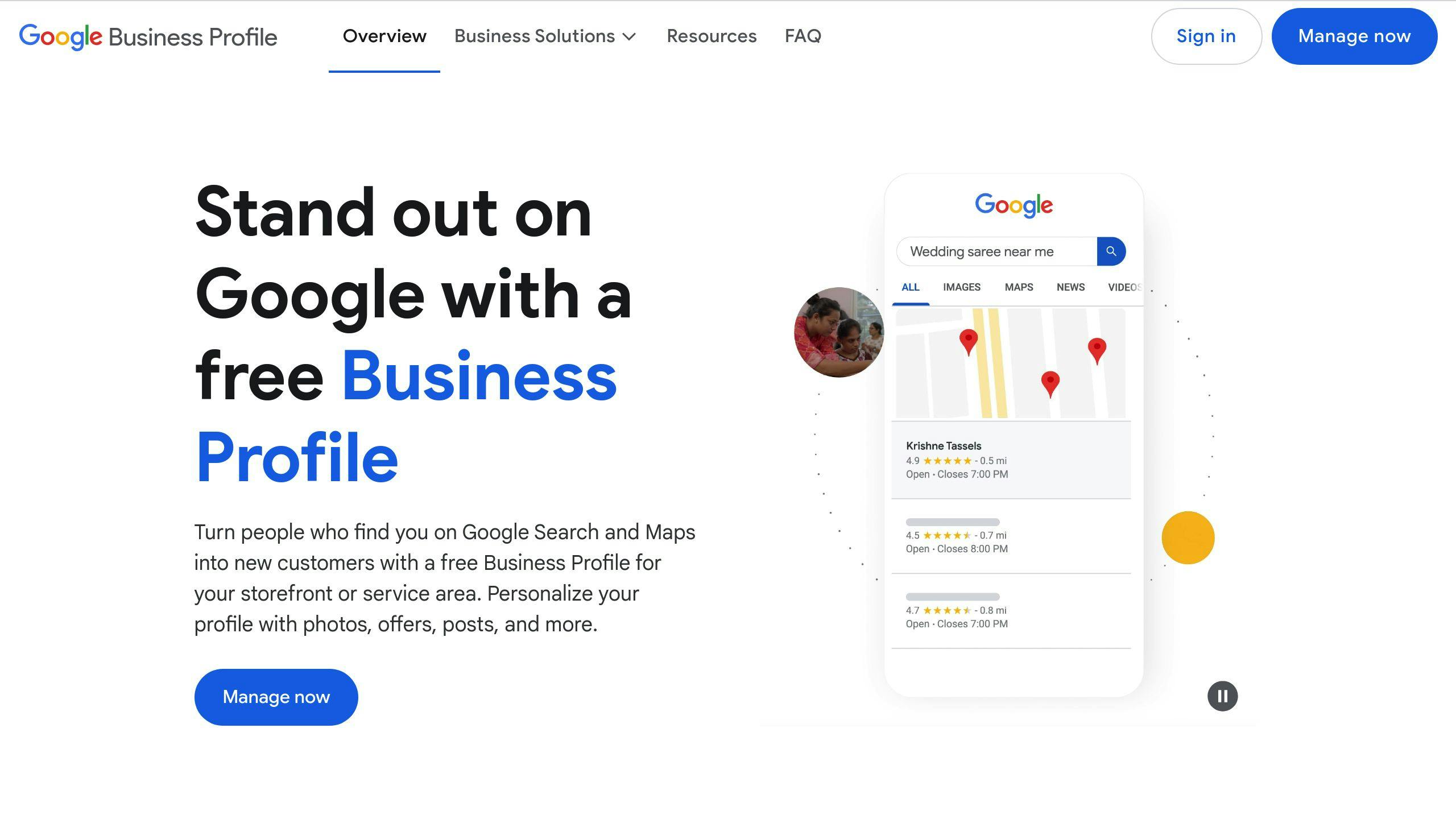
1. Create and verify your GMB profile
The first step for your home care service is to create a Google My Business (GMB) profile. To ensure your location appears correctly in local search results, you must verify it via postcard or phone.
2. Optimize your profile’s content
A well-maintained profile helps you get found more easily. Make sure all contact information is complete and accurate, describe your services clearly, and keep your business hours up to date.
Photos: Upload high-quality images that showcase your team, your facilities, or your work. Be sure to adhere to data protection regulations.
3. Use Google Posts to generate attention
With Google Posts, you can share the latest information directly with your customers. This could include news about your services or updates on COVID-19 measures.
“Google Maps optimization is an ideal way for small businesses across all industries to be listed and found in search results with business listings.”
Regular posts with relevant terms like “outpatient care,” “senior care,” or “home care” not only strengthen your connection with customers but also improve your local search ranking.
Don’t forget: Consistent NAP data (Name, Address, Phone number) is a key factor for local SEO.
Once your profile is optimized, you should focus on customer reviews. They help you build trust and further increase your visibility.
Use customer reviews as a trust anchor
Collect positive reviews strategically
Customer reviews are the digital equivalent of word-of-mouth these days and play a crucial role in the care industry. After all, 85% of consumers trust online reviews [1]. You can harness this power by actively asking for feedback.
Here are a few simple ways to get reviews:
- Direct links in emails: After completing the care service, send a friendly email with a link to the review page.
- QR codes: Place QR codes on brochures or other informational materials that lead directly to the review platform.
- Personal approach: Politely ask satisfied family members for a review—a personal conversation often works wonders.
Responding to Reviews the Right Way
How you handle reviews affects not only your online reputation but also how potential clients perceive your care service. Here are some key points to keep in mind:
| Type of review | Response time | Recommended actions |
|---|---|---|
| Positive | 1–2 business days | Express your gratitude and refer to the details mentioned. |
| Neutral | 24 hours | Show appreciation and ask specific follow-up questions. |
| Negative | Max. 24 hours | Apologize, offer solutions, and invite them to a conversation. |
Guidelines for your responses
- Write in a professional yet warm tone.
- Address the specific points in the review.
- Respect your clients’ privacy.
- Use the opportunity to highlight your strengths.
- Follow Google My Business guidelines.
Negative reviews aren’t a disaster—they offer you the chance to identify weaknesses and build trust with potential customers. Open and professional communication not only demonstrates your commitment but also signals to Google that your care service is trustworthy. This can have a positive impact on your ranking.
Through regular monitoring and quick responses, you not only strengthen your customers’ trust but also boost your local visibility. Once you’re successfully leveraging customer reviews, you can achieve even more with targeted local SEO strategies.
Google Business Profile SEO Tutorial – The Fastest Way to Rank #1 on Google Maps
You are currently viewing placeholder content from YouTube. To access the actual content, click the button below. Please note that this will result in data being shared with third parties.
More InformationImplement local SEO to increase visibility
Once you’ve built trust through customer reviews, you can use local SEO to specifically expand your reach in the region. For care services, it’s especially important to be easily found locally.
Use regional keywords strategically
The success of local SEO depends heavily on the use of appropriate keywords. Here are a few examples of how to strategically use search terms:
- Location-based terms like “care service Munich” are ideal for Google My Business profiles or page titles.
- Service-specific keywords like “outpatient care Hamburg” work well in descriptions or blog posts.
- Specializations like “dementia care Schwabing” can be used specifically in the services section.
You can use keyword tools to analyze search volume and tailor your strategy accordingly.
Optimize Google Maps
An optimized Google Maps profile is crucial, as many users search for local care services. Make sure that:
- your location is specified precisely,
- your service area is clearly defined,
- and that you regularly upload up-to-date photos.
A well-maintained Google Maps profile increases the likelihood of appearing in the Local Pack [1].
Ensure Consistent NAP Data
The consistency of your NAP data (Name, Address, Phone number) is a key factor for local SEO. Make sure this information is the same everywhere:
- on your website,
- in your Google My Business profile,
- in local directories,
- and on social media platforms.
Consistent contact information builds Google’s trust in your brand and improves your ranking in search results. Additionally, a fast, mobile-friendly website supports your SEO efforts.
These measures lay the foundation for a stronger local presence—and there are even more ways to maximize your potential.
Advanced Strategies for Optimizing Your GMB Profile
Care services can strategically use their Google My Business profile to strengthen their digital presence. With a few specific approaches, discoverability can be significantly improved.
1. Structured data for better visibility
Structured data helps search engines better understand information. This can result in your services, such as “home care” or “24/7 care,” being displayed more prominently.
Here’s how to use structured data effectively:
- Add Schema markup for business hours, addresses, and reviews.
- Use Google’s Structured Data Markup Helper to easily create the markup.
- Ensure that NAP data (Name, Address, Phone number) in the Schema markup matches your GMB profile. Consistency builds trust with search engines.
2. Presence on other local platforms
In addition to Google My Business, you should include platforms like Bing Places and Apple Maps. Bing Places is free and can be synced with GMB, while Apple Maps is ideal for reaching iOS users in your region.
3. Use of professional tools
Tools like the Waterproof Web Wizard help you optimize your online presence:
- Local SEO analyses to improve your rankings.
- Monitoring the performance of your GMB profile.
- Automated monitoring of your online data.
These tools enable you to make data-driven decisions and implement adjustments. Regular analyses help you respond quickly to changes and adapt your strategy.
With these approaches, you can expand the local visibility of your care service and attract new clients. </
Conclusion and Key Takeaways
Google My Business (GMB) is an effective tool for increasing local visibility and building trust with customers. For care services, the most important strategies can be divided into four main areas:
| Area | Strategy | Benefits |
|---|---|---|
| Basics | Optimize & Verify Profile | Foundation for local discoverability |
| Reputation | Manage reviews | Building trust |
| Visibility | Local SEO & Maps integration | Expanding regional reach |
| Technology | Structured data & tools | Improved Presentation |
A well-maintained GMB profile is essential. The measures described here, such as review management and local SEO, complement each other perfectly.
“Integrating GMB with other local SEO strategies by using local keywords in the profile and website content can significantly improve visibility in local search results.”
A strong online presence is built through regular profile maintenance, active review management, and technical optimizations. With professional tools and continuous analysis of performance data, home care services can stand out from the competition.
Now is the right time to implement these strategies and boost your care service’s local visibility.